
User Interface
The CompanyGPT user interface allows you to communicate with different AI models, create agents, manage prompt templates, and much more.
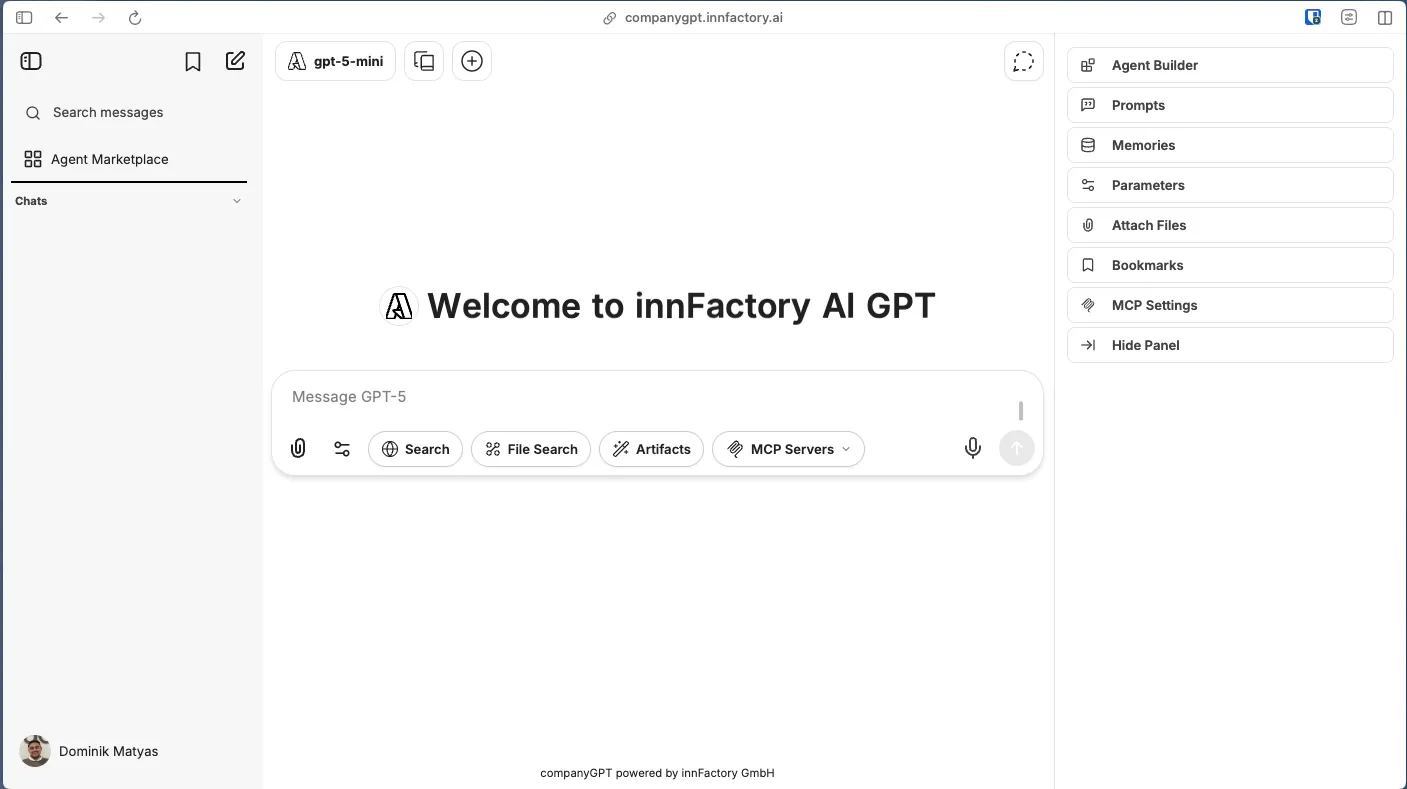
Quick Selection
Section titled “Quick Selection”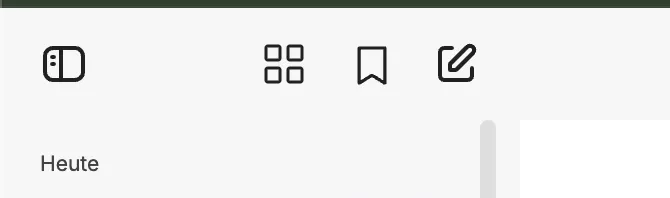
- Hide sidebar
- Agent Marketplace
- Bookmarks
- New chat
Model selection
Section titled “Model selection”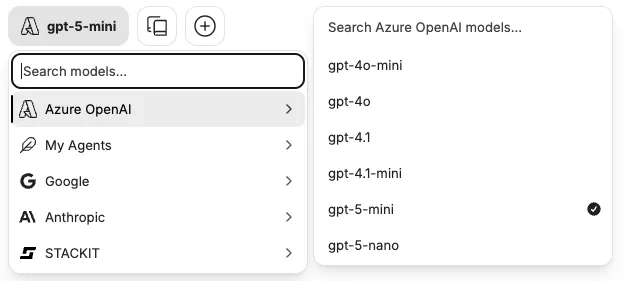
Right sidebar
Section titled “Right sidebar”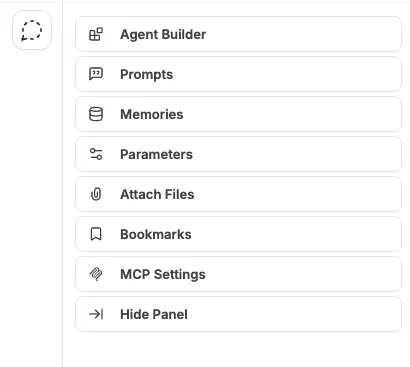
- Create and edit agents
- Prompt templates
- Reminders
- AI settings
- Files
- Bookmarks
- Hide sidebar
Chat input
Section titled “Chat input”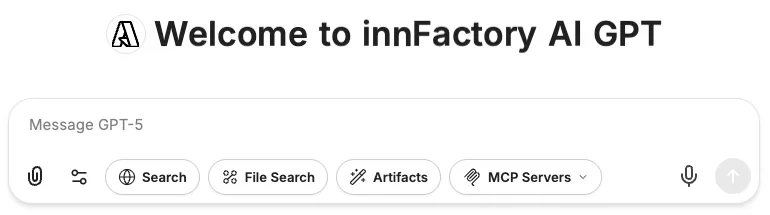
- Prompt input
- Files
- Extension settings
- Web search
- File search
- Artifacts
- Select MCP Server