Web Search & WebFetch
Web Search
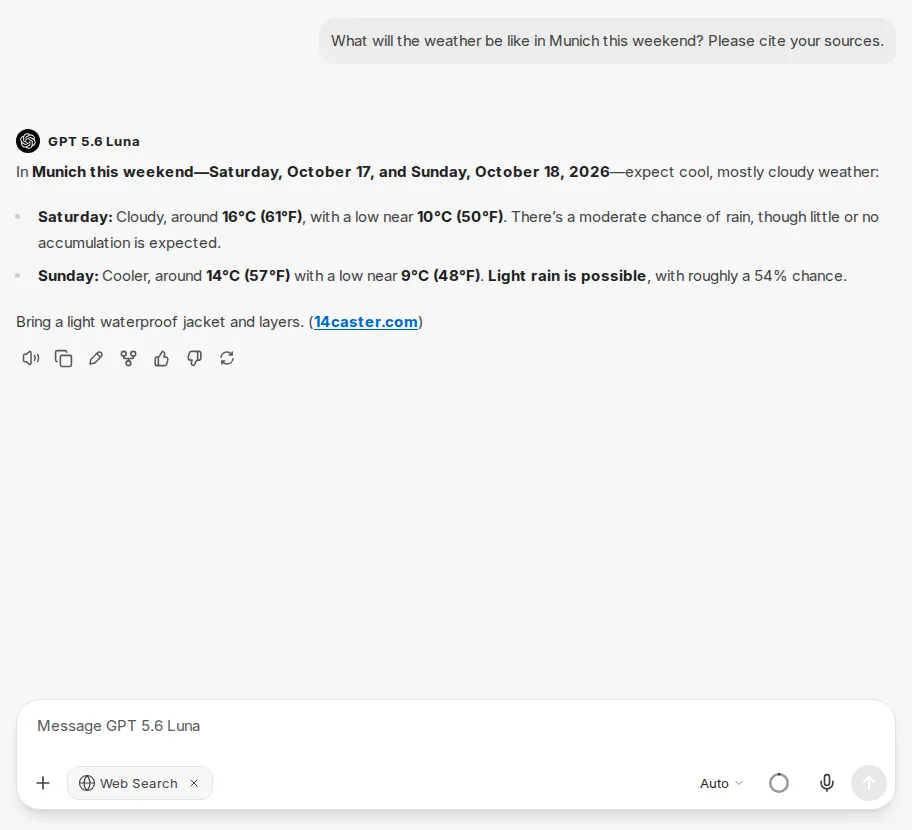
Section titled “Web Search”Web Search enables CompanyGPT to search the internet and include current content in its responses. Turn on the search via the plus icon in the chat input (Attach and tools) with Web Search under Tools. Web Search then appears as a chip in the input bar. It applies to the respective chat and stays on until you turn it off again with the × on the chip.
Sources can be included directly in the response on request.
WebFetch
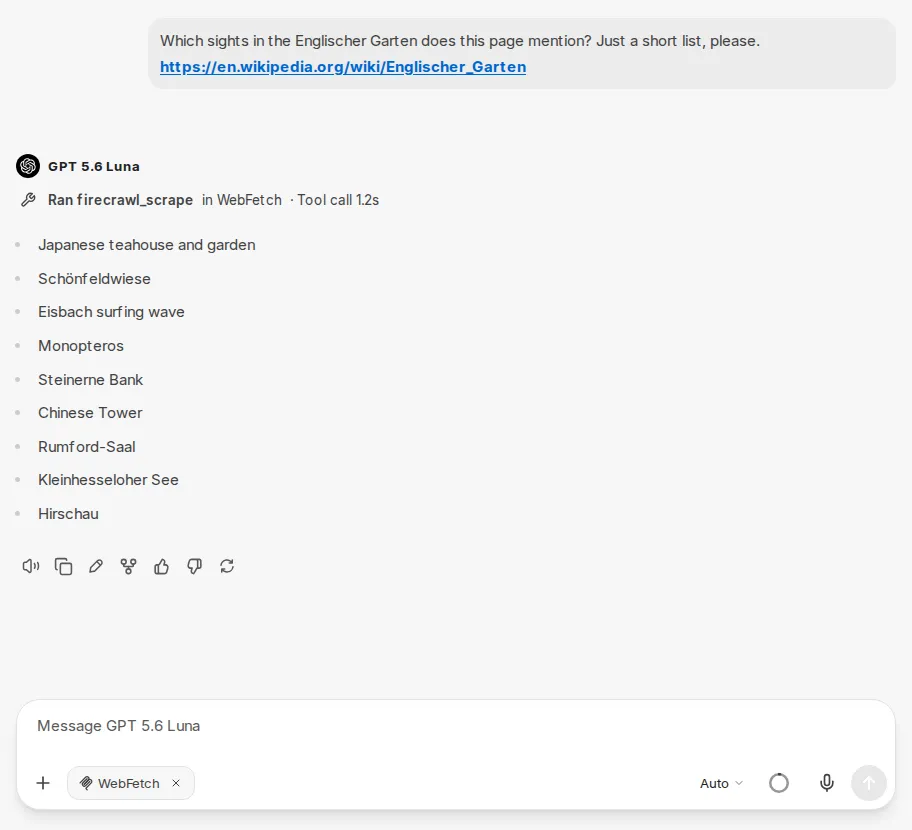
Section titled “WebFetch”WebFetch is designed for retrieving and processing the content of a specific web page. Unlike Web Search, which independently researches the internet, WebFetch accesses a URL provided by the user and extracts its content.
This is particularly useful when you want to summarize, analyze, or use the content of a known page as the basis for a response.
WebFetch is provided as an MCP server. In the chat, you select it via the plus icon in the chat input (Attach and tools) in the MCP Servers section, most quickly with the search field at the top of the menu. In agents, you add it via the Tool Library.