
Translate document
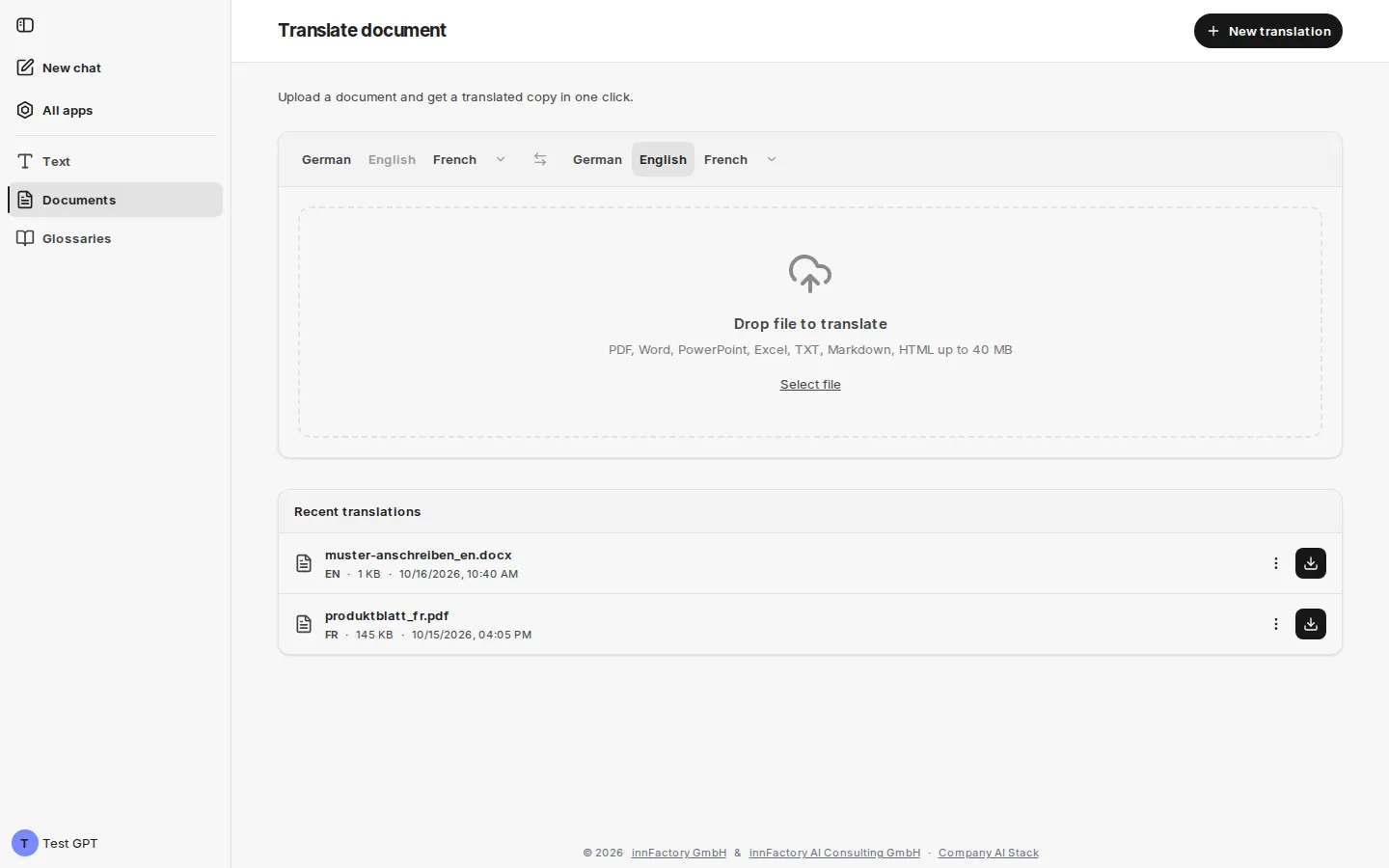
The Documents area translates complete files and returns them in their original format. The page is titled Translate document and carries the note “Upload a document and get a translated copy in one click.”
Supported formats
Section titled “Supported formats”The Drop file to translate area names the permitted formats: PDF, Word, PowerPoint, Excel, TXT, Markdown, HTML up to 40 MB. You add a file by drag and drop or select it via Select file.
| Format | File extension |
|---|---|
.pdf | |
| Word | .docx |
| PowerPoint | .pptx |
| Excel | .xlsx |
| Text | .txt |
| Markdown | .md |
| HTML | .html |
companyTRANSLATE checks the format, size and content of every file. If something does not fit, the drop area stays and names the reason, for example “File is too large (max 40 MB)” or “The file content does not match its file type.” Text files (TXT, Markdown, HTML) must be UTF-8 encoded.
Choosing languages and a glossary
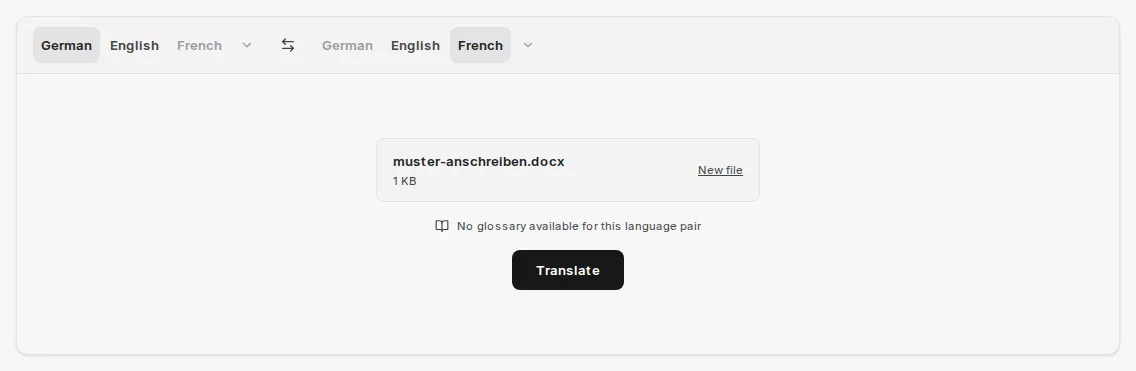
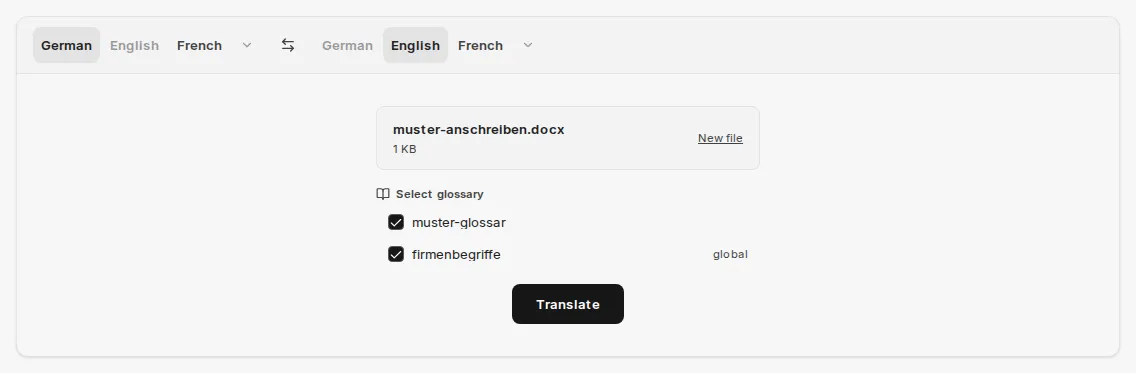
Section titled “Choosing languages and a glossary”After selection, companyTRANSLATE shows the file with its name and size. New file selects a different file. Below it, the glossary status for the chosen language pair appears: either No glossary available for this language pair or the Select glossary list with all matching glossaries as checkboxes.
All matching glossaries are initially selected; global glossaries carry the suffix global. Untick any glossaries that should not be applied. In document translation, glossaries work in every environment, even without Google.
Translate starts the process. companyTRANSLATE first shows Uploading… and then Translating….
Downloading the result
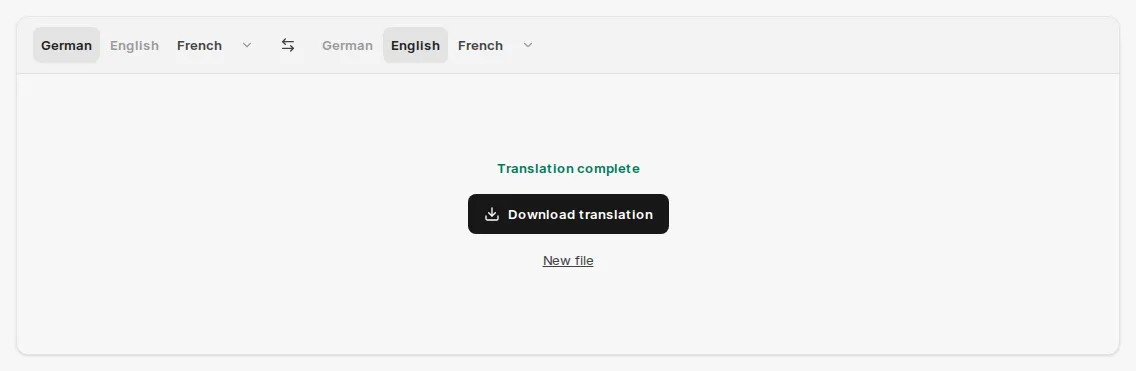
Section titled “Downloading the result”Once finished, companyTRANSLATE reports Translation complete and offers Download translation. New file or New translation in the page header resets the area for the next job.
The translated copy retains the structure and formatting of the source file: headings, paragraphs, emphasis and page breaks are preserved, so source and target document can be compared side by side.
If the translation fails, Translation failed appears, where possible with the reason, for example “Translation limit reached”.
Recent translations
Section titled “Recent translations”Below the drop area, Recent translations lists your previous document translations, newest first. The list also contains translations an agent created for you in the chat. Each entry shows the file name, target language, file size and time.
| Marker | Meaning |
|---|---|
| Processing | The translation is still running; there is no download yet. |
| Failed | The translation failed. |
| no marker | The translation is finished; the button on the right downloads it. |
The entry’s menu offers:
- Download original – the uploaded source file
- Retry translation – runs the translation again with the same source file, source language and glossaries. The result appears as a new entry; the previous one remains.
- Delete – removes the translation and the source file after a confirmation (“Really delete?”)
If a glossary used in the original translation no longer exists, Retry translation stops with “The selected glossary was not found.”
Translations from version 2.0 onward are kept for 30 days. After that they disappear from the list; a later attempt reports “This translation has expired and is no longer available”.
Related topics
Section titled “Related topics”- Glossaries – consistent terminology for document translations
- Translate text – translating short texts directly in the interface
- Translating in the chat – translating files from the chat with an agent